Copycat project

I’m taking an advanced class and workshop this winter to keep my skills sharp through the slow season and this post is my first project for my class at Pittsburgh Filmmakers.  We were assigned to choose two photographs and try to recreate them as much as possible by matching lighting, subject matter and composition in camera, and then by matching tone, saturation and cropping in post-production.

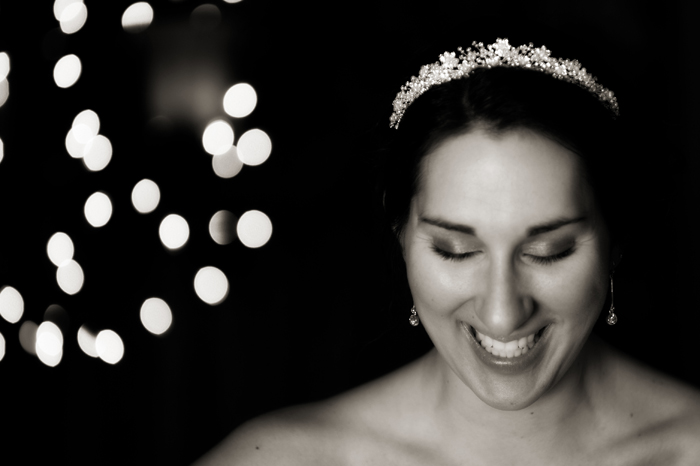
So, being a wedding photographer, I was instantly drawn to two photographers I recently learned about in Professional Wedding Photography: Techniques and Images from Master Photographers, published by Amherst Media.  The first image is from Chenin and Doug Boutwell of Boutwell Studio in Southern California.  For the wedding photographers out there, Doug is the guy who put together Totally Rad Actions.  I knew his name was familiar…  This couple is a great team and it was interesting to see their own Photoshop actions on their work.

So here’s the image I scanned from my book:
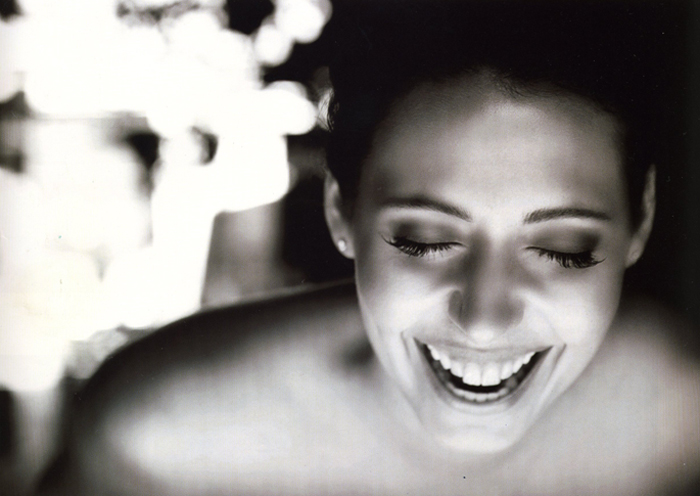
Photo by Boutwell Studios

And here’s my shot at it:

Laughing bride

Many thanks to my dear friend, Kelly, for modeling for this project.  She was brilliant and even laughed on cue!

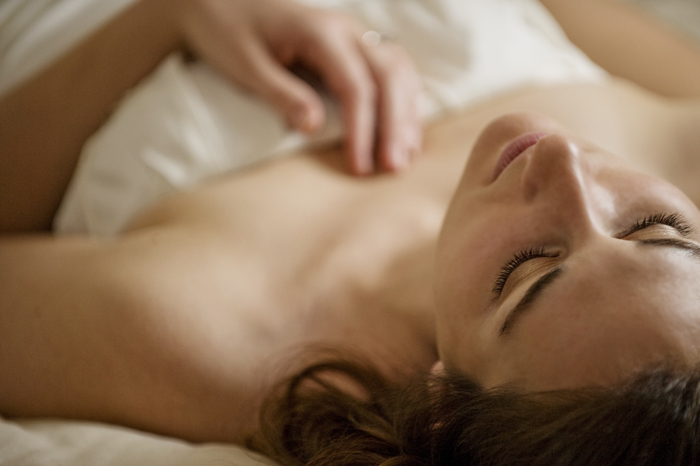
The second image is from Jen and Stephen Bebb of Bebb Studios in Vancouver. This husband and wife team is awesome and they have over a decade of experience in the business.

Here’s the scanned image:
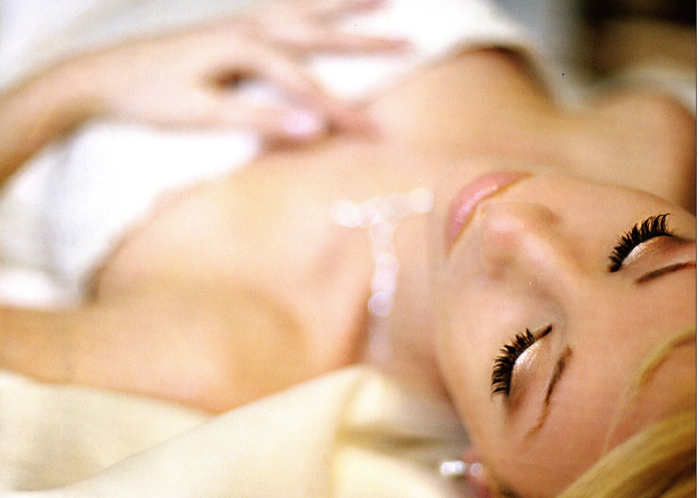
photo by Bebb Studios

And here’s my take:

Beautiful bride

The lighting in my image is less soft and more directional. It was about 7 p.m. when we were shooting, so I relied on my speedlights the best I could, and while the lighting is not a match, I kind of like it!
HDR photography

I’m preparing a presentation on HDR photography and thought it might be nice to share some highlights ~

HDR photography stands for high dynamic range, meaning that the range of tonal values in a photograph is greater than what can be achieved in a single exposure. This is accomplished by merging together multiple exposures. The result more accurately represents the scene as seen by the human eye. Our eyes are able to see a much greater range of tones than one exposure can possibly record. However, it’s anticipated that someday cameras may have the capability to capture an HDR image in one exposure.  And that day may be here sooner than we think!

To create an HDR photo, you need to use a tripod so that the multiple images are in exactly the same position. You can use a function on your camera to take a series of under- and over-exposed images or you could manually under and over expose subsequent images in varying increments of a stop, a third of a stop, etc. You can use three, five, seven or any number of exposures to create the HDR image. Although, the higher number of images merged, the longer it will take and the larger the file will be.

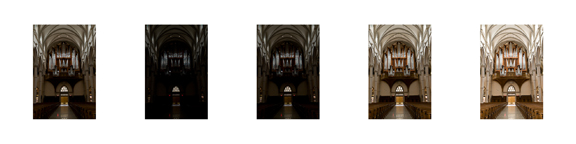
HDR set before the merge

To merge the photos, you can use Photoshop or other programs that include tone mapping, such as Photomatix Pro. In Photoshop, you go to File, Automate, Merge to HDR, and select the photos you would like to merge. Photoshop will automatically align the images and create the HDR image. I like to use Lightroom and export the photos to Photomatix Pro, which also aligns and merges them. I purchased Photomatix Pro, so that I could refine the HDR images with tone mapping. The amount of information you have in an HDR image can be overwhelming and it doesn’t always look good. With tone mapping, you can choose to condense and expand qualities of the HDR image to either represent the vision of the photo in your mind’s eye or the true to life scene, as seen by the human eye.

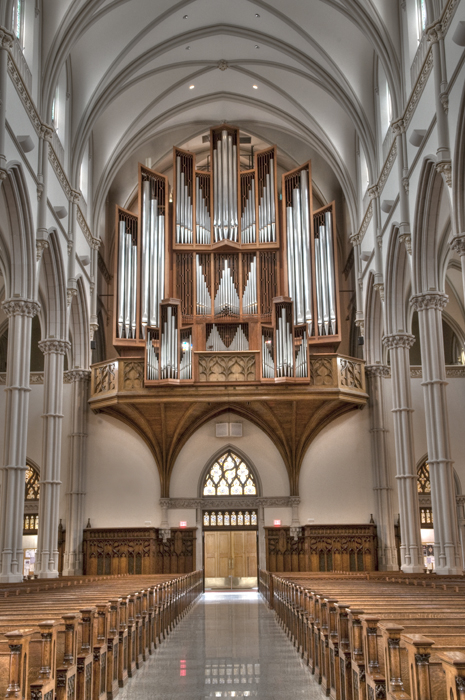
Here’s the finished version of the organ at St. Paul’s Cathedral in Pittsburgh’s Oakland neighborhood:

HDR image from St. Paul's Cathedral

The best subjects for HDR photography are those that don’t move, such as landscapes or architecture. People are generally not a good subject for HDR, because of movement. However, you could simulate an HDR portrait by using one exposure and adjusting it and saving it at varying under- and over-exposed increments.

Christmas Outtakes

This week we put our Christmas tree out on the curb and said “adieu” to a wonderful Christmas season. But I have just one more post related to the holiday because in our big family, it lasts into the new year with the various family Christmas dinners. And dinner with the Wells and Bowman family always promises priceless photo ops – I can say that cause they’re family. My sister-in-law and her husband have five little boys and they are all precious in their own way. I thought I’d post some of our outtakes, because they are the ones we will come to treasure over the years. As Aunt Kate, I command little authority as a photographer and there is an orchestra of family members behind me and the camera coaxing and cajoling these boys to smile. It’s fun and we definitely created some moments as you’ll see below.

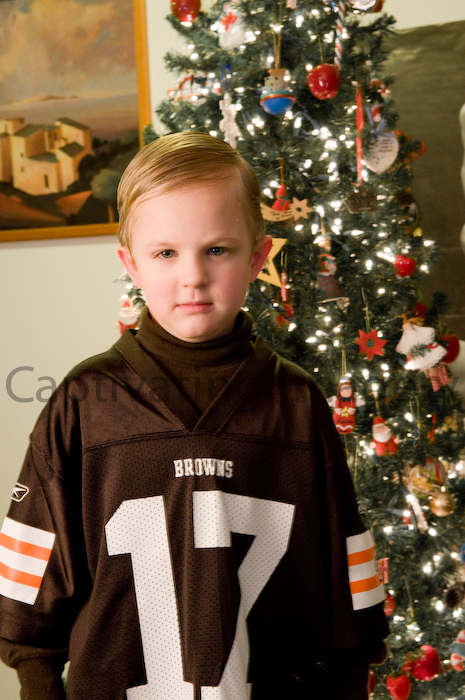
Browns fan

Yes, my Pittsburgh friends, I have Browns’ fans in my family. They live in Ohio, so you can’t blame them. This little guy was not very smiley when it came to having his photo taken. His grimace suits the jersey though.

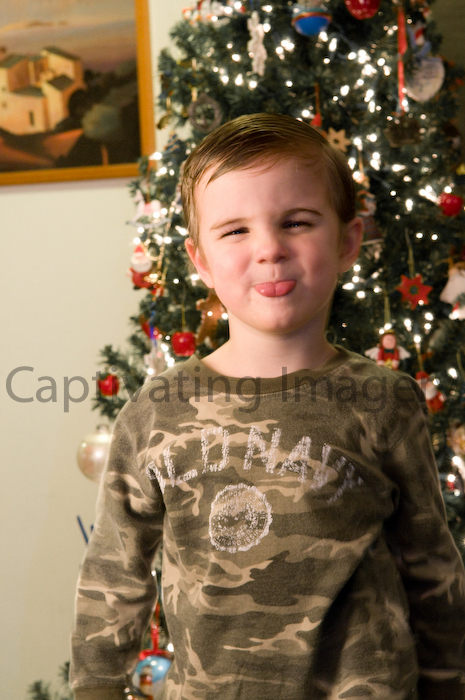
Sticking his tongue out

What is it about little boys that after a certain age, sticking your tongue out is the only way to pose for a photo? Just kidding, this guy smiled sweetly during our group family photo, but I happen to prefer this look for an ornery four-year old.

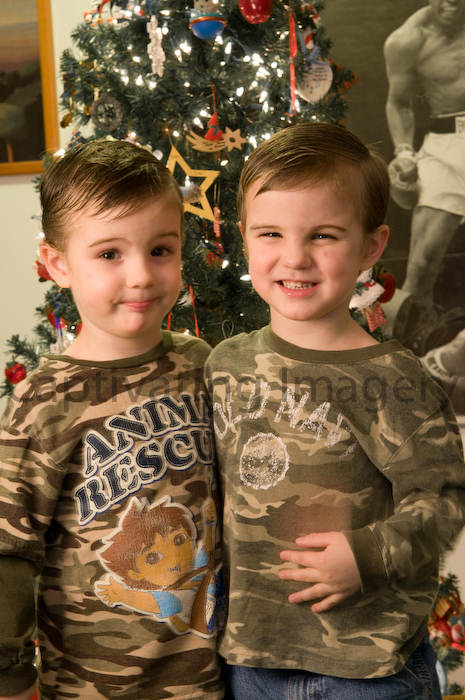
Twins

You can just tell that these two are going to be popular with the ladies someday.

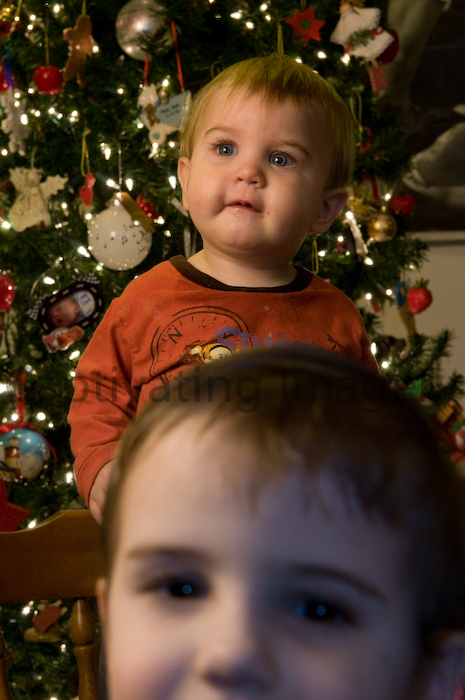
Chaos

I’m glad I didn’t delete this one, which is a natural inclination when I find that something unexpected has ended up in the frame. Remember what I was saying about being a photographer and trying to photograph your own family? I’m learning to enjoy the chaos.

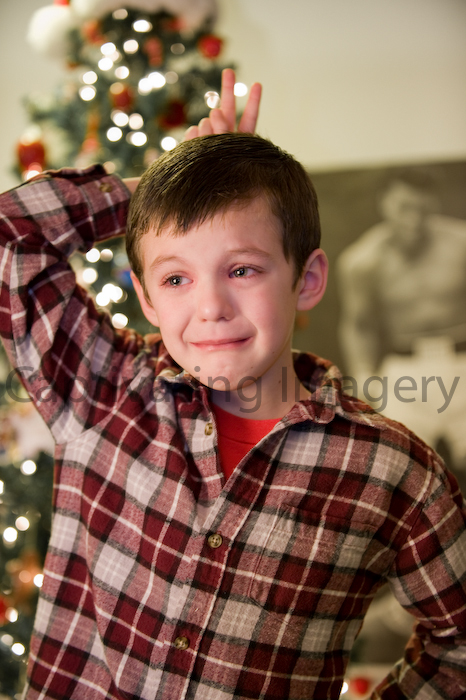
Sad bunny ears

Ok, this one seems slightly cruel to include, but it was a priceless moment. My mother-in-law and I just laughed and decided we’ll get this one out for a chuckle when he graduates from high school. This little guy is the oldest of the brothers and the most adverse to having his photo taken. He was tearing up and refused to smile. His mom is to my left insisting that the sooner he smiles, the sooner we’ll be done. My husband is behind her, giving her bunny ears to lighten the mood and Tyler is starting to crack up through his tears. He’s trying to tell his mom that Uncle Brad is giving her bunny ears.

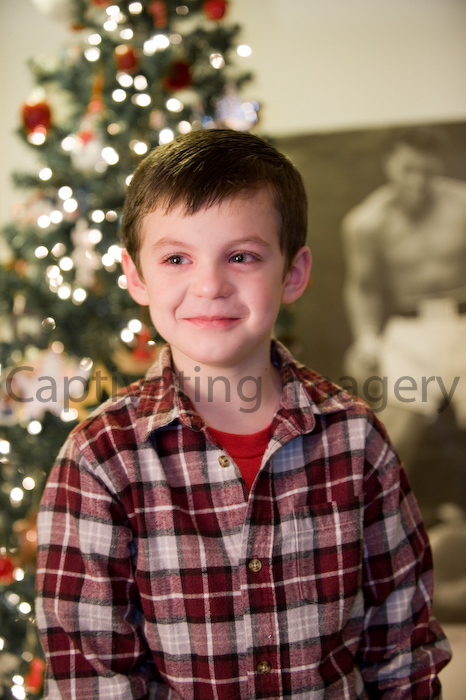
While that photo is funny today, I can’t help but posting this one below. Because Tyler is such a smart and sweet boy, I want to make sure I end these outtakes with a photo that really reflects his nature. And yes, that is Muhammed Ali in the background. I love my in-laws!

All smiles

Captivating Imagery is proud to announce the launch of its new site

Check out Captivating Imagery’s new look. If you haven’t visited the homepage, please do. The new design provides a lot more information on the homepage, including a flash slide show for a glimpse at wedding photography by Captivating Imagery.

This site wouldn’t be possible without my husband, Brad. He is incredibly talented and patient! Thank you, Honey!

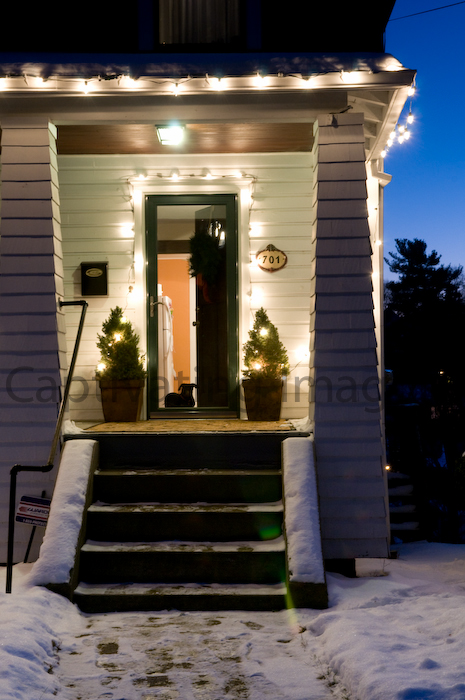
This is the scene at the approximate time of our launch:

Our home

It was a quiet moment, but we met up with some friends later that evening for a celebratory dinner.  By the way, that’s our dog Brownie in the doorway.  Cheers!

Wedding Photography Products

It’s been a while since I’ve posted some updated photos of wedding albums, so I’m posting a few from a recent order from a December wedding.  I visited Alex Jones’ SteelGate Studio, in Pittsburgh’s Southside, for a proper product photo shoot.  Alex has over 20 years of experience as a photographer and has carved out a great business here in Pittsburgh and across the country.  And he’s a nice guy, so I feel fortunate to know him.

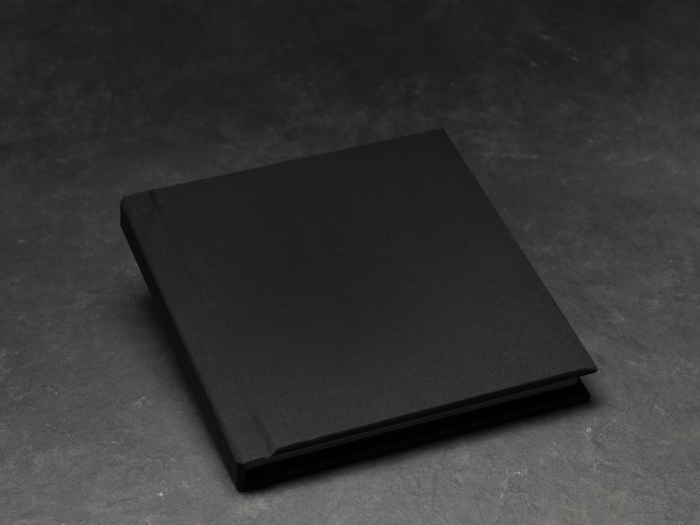
Anyhow, this recent album was ordered with a black fabric cover, which is different than the standard leather bound album, but just as elegant.

Black fabric, padded cover

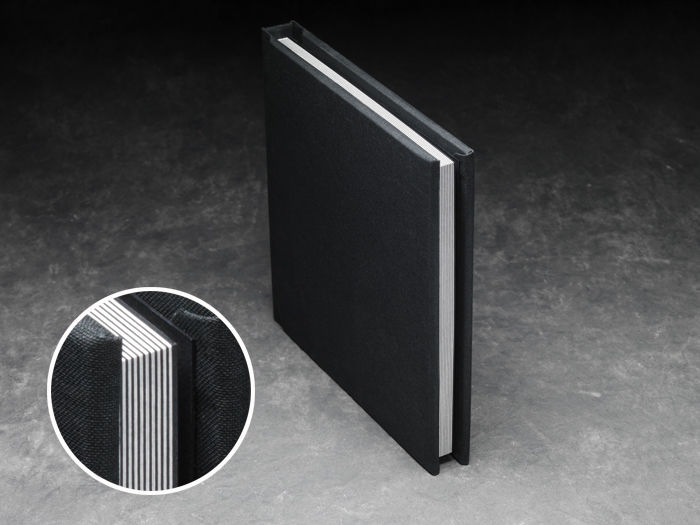
Here’s a view of the pages edges.  You can see that the print is mounted to a rigid black cardstock.  This increases the durability and feel of the flush mount album pages:

Album page edges

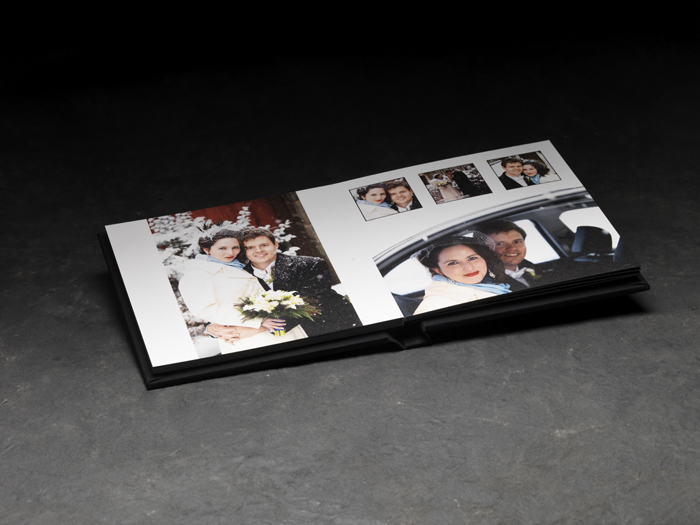
With this construction, the albums can lay flat for a better views of the photos:

Inside view of the album

The pages are designed and mounted as spreads, making for beautiful panoramas with no loss of the image at the hinge of the album:

Panorama

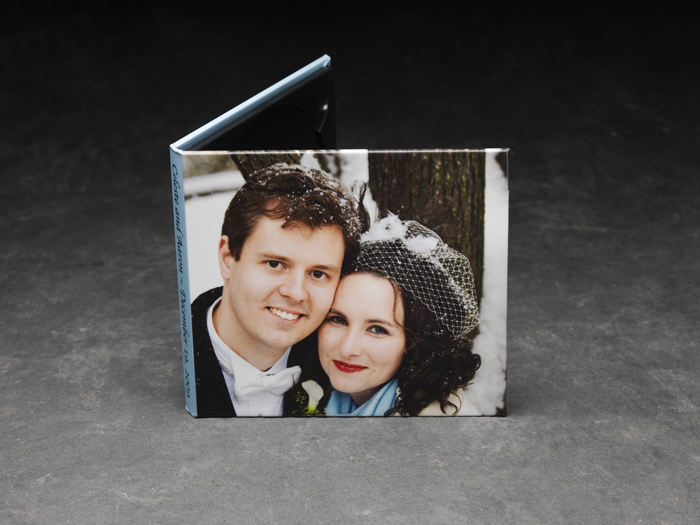
I’ve also upgraded my packaging for DVDs for all weddings booked in 2010. Each client will receive a custom-designed case featuring one of my favorite photos from their wedding. This is a nice way to store the disc of images from your day:

DVD case